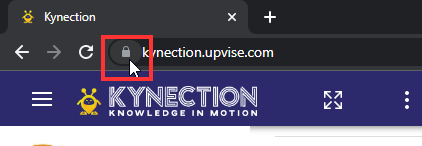
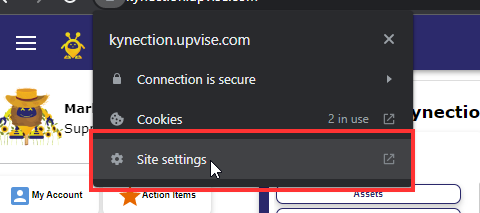
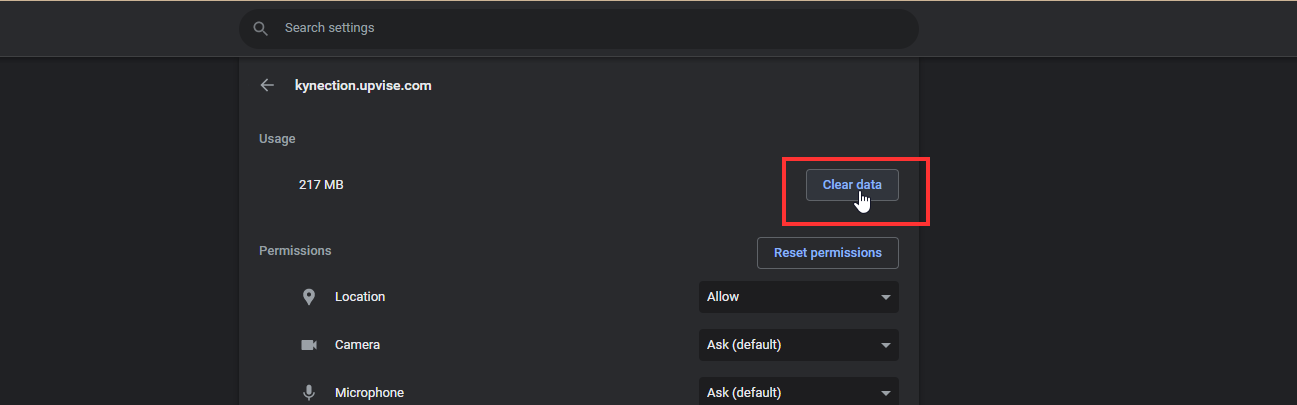
System AdministrationClear Site Cache (Google Chrome)Published 24 August 2024 · 167 views Click on the Padlock icon next to the site URL Click Site Settings from the dropdown that appears Click Clear Data on the page that appears Click Clear on the warning pop up that appears Close the tab, then refresh the original webpage Was this article helpful?👍 Yes, helpful👎 Not helpful← System AdministrationHelp CenterStill need help? Ask KIM